PERSONAL TO YOUR ROUTINE
Start with a planner that fits.
See how a few choices shape your pages. Watch the preview, or try a setting.
Sample ranges. Choose your own start and end hours in the configurator.
Your default for notes and writing areas.
iPad Air · 11-inch
Choose your iPad model and size in the configuration step.
No purchase or email required.
Explore the layout before you start writing. Each new configuration creates a blank planner; existing handwriting stays in its original file.
Choose your cover color, iPad model, and size in Configure. All five cover colors are included in the free sample and full planner. Portrait and Landscape are available in Configure. Portrait page fit checked on 11-inch iPad Air; landscape and other iPad fits are estimated. Try the free sample on your device. Other writing apps are in development.
YOUR PLANS, CONNECTED
A little tap. A useful reminder.
Create a reminder or calendar event from the utility bar. Tap an hour in your day to start an event with the date and a one-hour time slot already filled in.
Your handwriting stays in the planner.
Illustrated walkthrough · Requires our optional Apple Shortcuts setup. Events are saved in Apple Calendar and reminders in Apple Reminders. This demonstration does not create real items.

An Unmistakably
Familiar Feel.
A linked PDF planner for Goodnotes. Effortlessly tap to navigate to any date with a distinctly native iPad feel. Seamlessly create events and reminders right from the planner.
Get your planner key, then check out on Etsy.
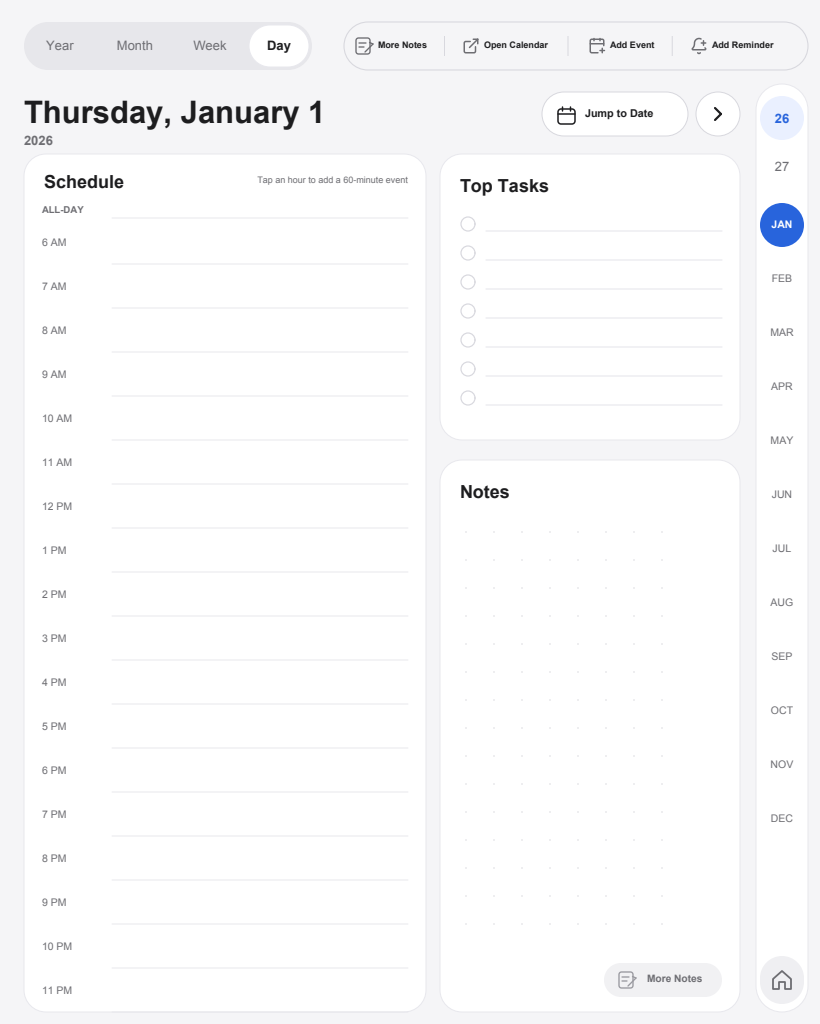
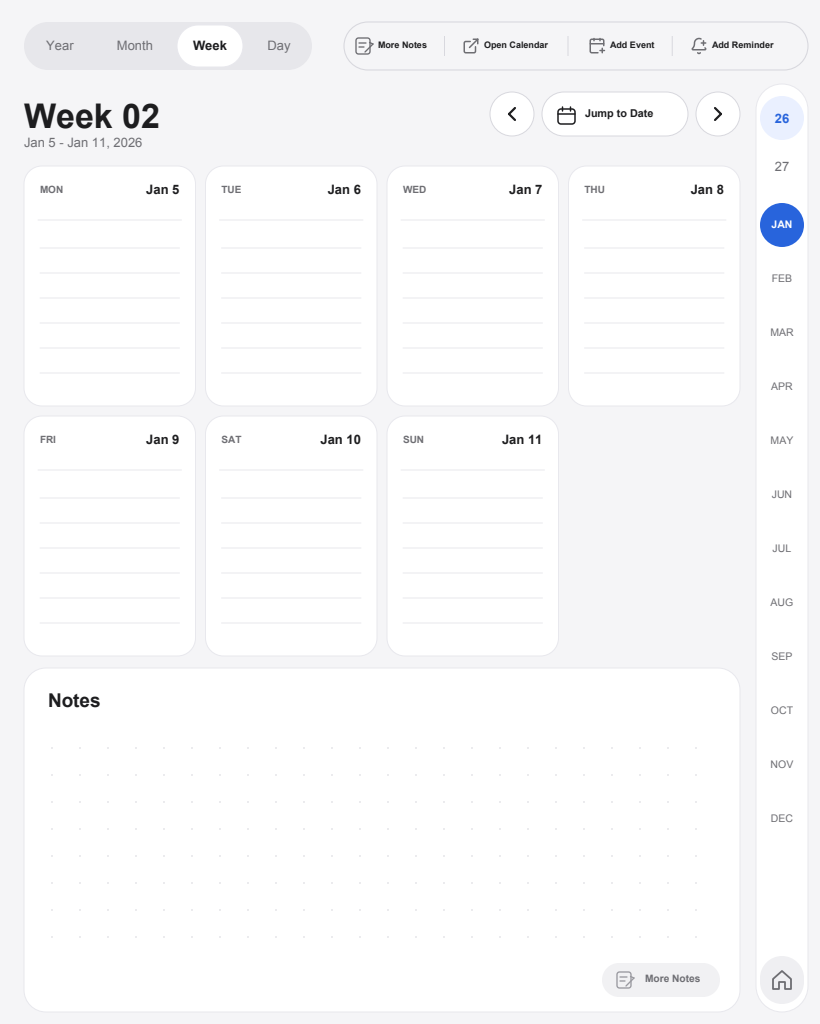
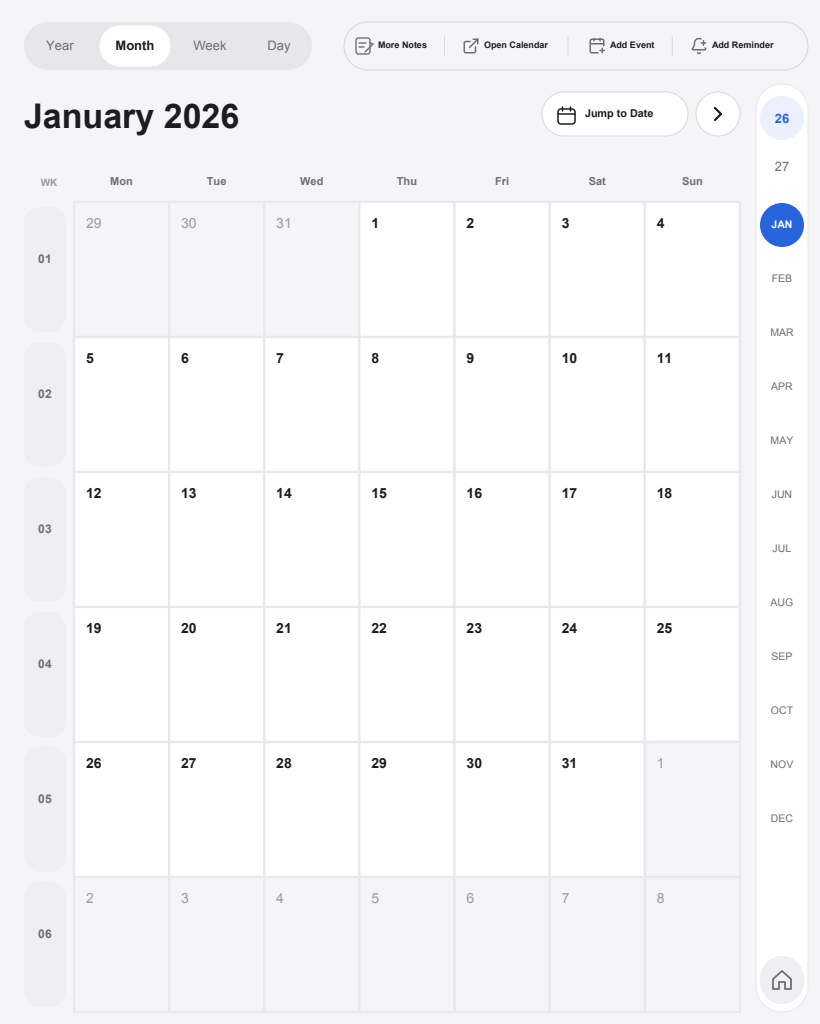
See the big picture. Find your next step.
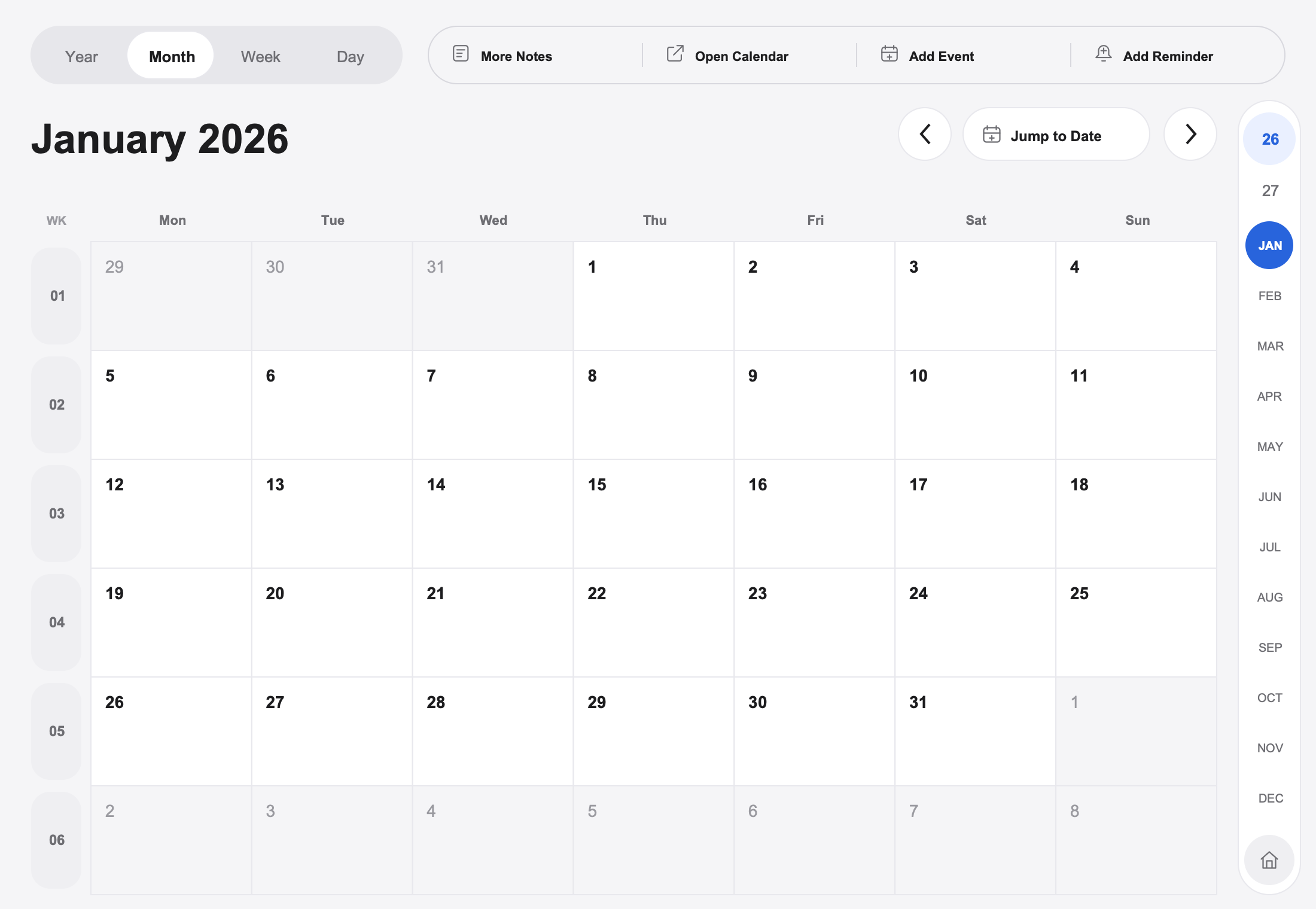
Your month, at a glance.
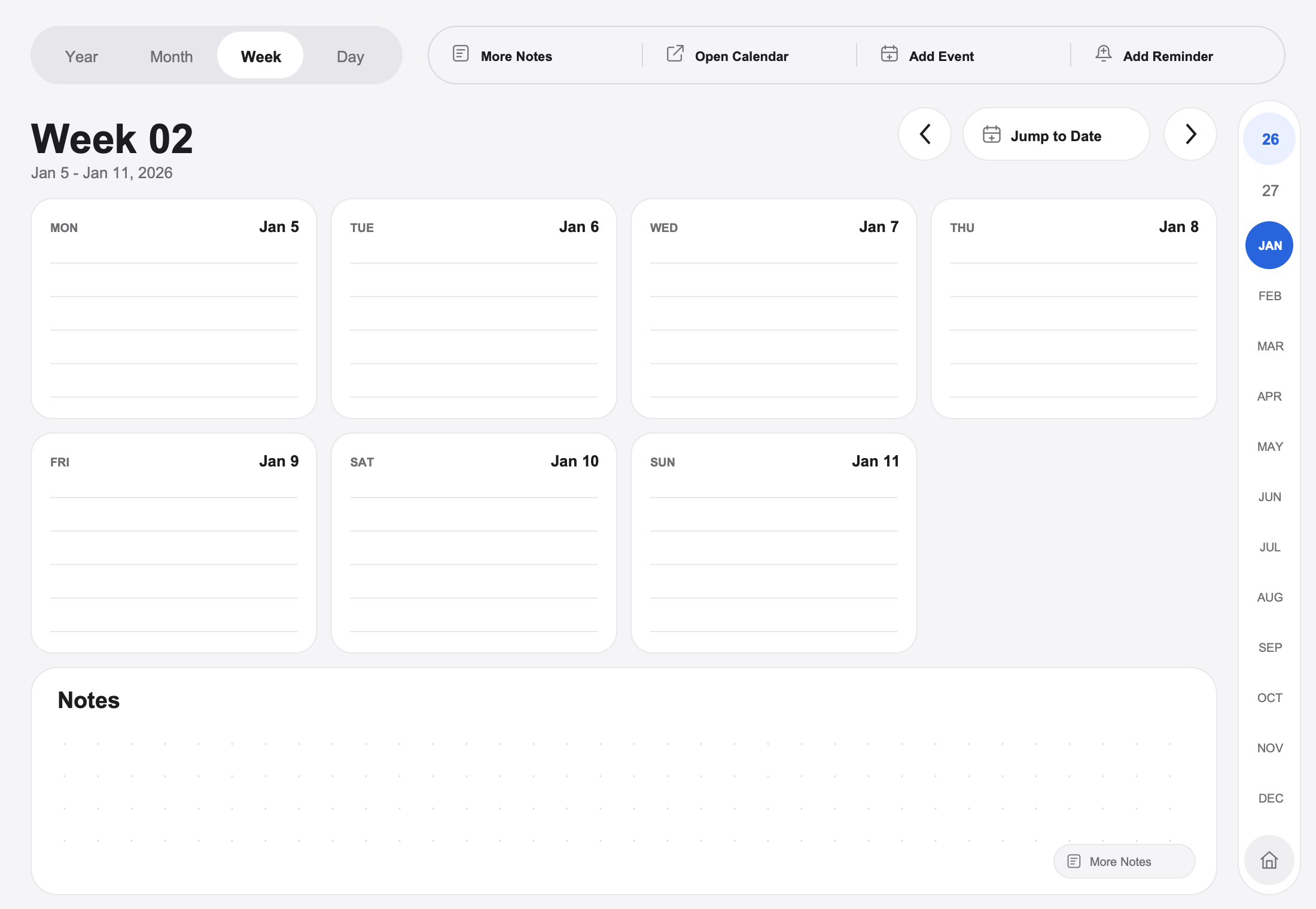
A week with room to breathe.
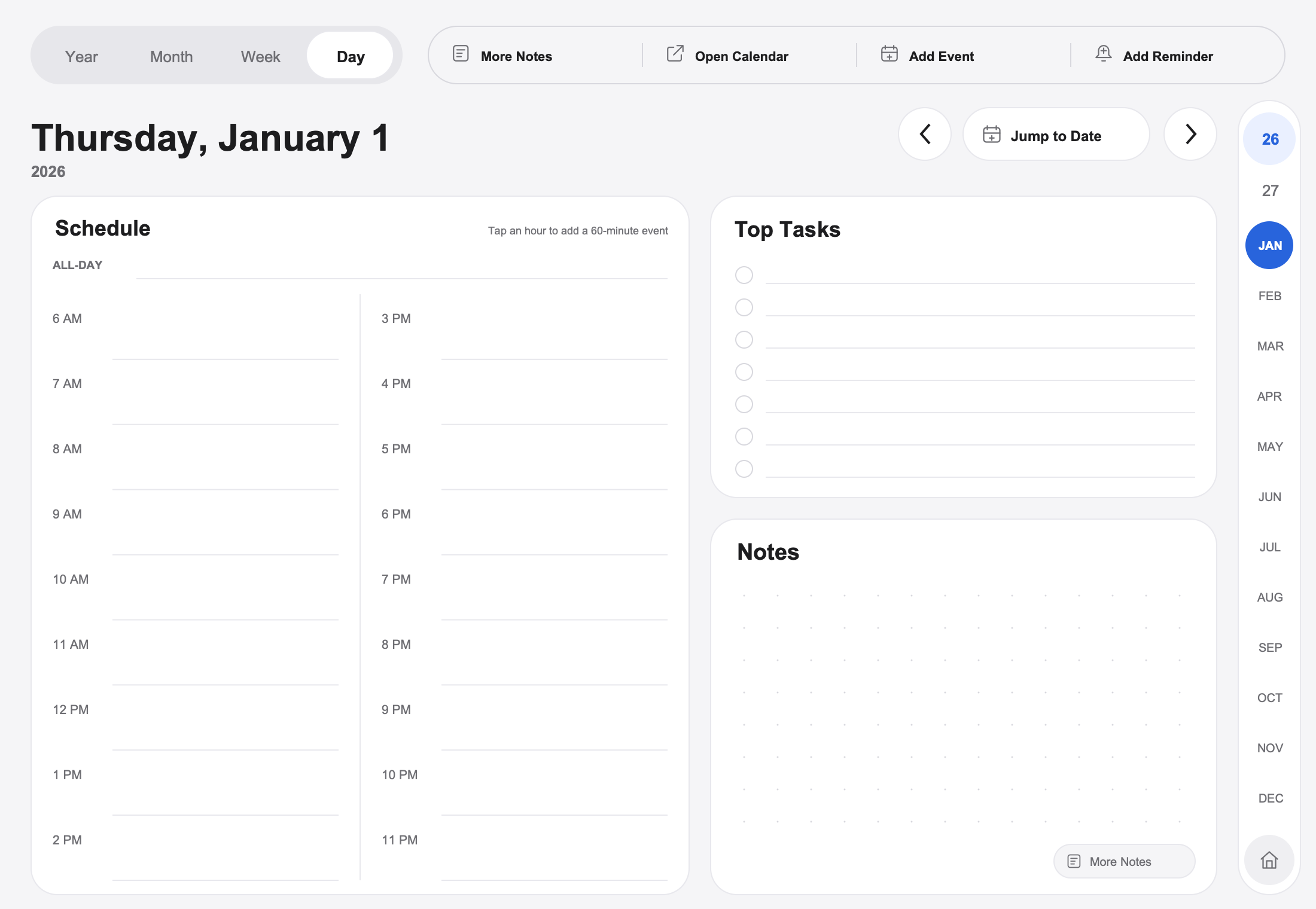
A clear place for today.
Start with a planner that fits.
A simple start.
Choose your planner.
Open it in your writing app.
Make the page your own.
A few things before you begin.
Is this an app?
Which writing apps does it support?
Does it sync my handwriting to a calendar?
ThinkPencil Digital Planners
Think better with a pencil.
ThinkPencilPlanners.com
Contact